Vc Elements
We can add advisors shortcodes through VC (Visual Composer)
.
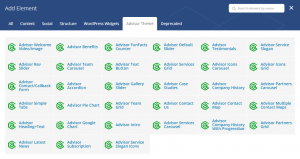
All the shortcodes are list here http://advisor.brighthemes.biz/demo/shortcodes/.
How to Align VC Elements
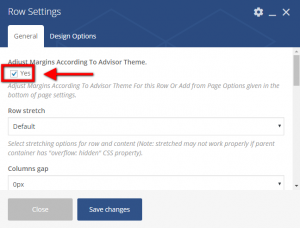
In order to align VC (visual composer) elemnets corresponding to different screen sizes (desktop, tab, mobile, etc.), first enable it by opening each VC (visual composer) elements “Row settings” and then checking “Adjust Margins According To Advisor Theme.”

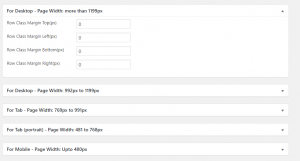
Then, Go to each page and set the VC (visual composer) elements alignments (margin) for different screen sizes (desktop, tab, mobile, etc.) .